

指南
GPT Image 2.6 的模型对比、API 参考与手把手教程。
GPT Image 2.6 vs Nano Banana 2.1: Which to Use
Nano Banana 2.1 is the cheaper model. GPT Image 2.6 makes GIFs in a browser; OpenAI's API adds transparency. Pick by the job, not by a ranking.
GPT Image 2.6 Cost: What One Image Costs
GPT Image 2.6 cost per image is $0.27 to $2.34 in credits on the $10 to $100 packs. See every size, the high-quality markup, and API token rates.
50 Product Photo Prompts for GPT Image 2.6
Fifty paste-ready product photo prompts for GPT Image 2.6, grouped by use case, each with a suggested aspect ratio and size tier.
GPT Image 2.6 GIF Flicker: 4 Problems and Fixes
GPT Image 2.6 GIFs jump at the loop seam, flicker between frames, or fail on size. Use these prompt and frame settings to fix each problem.
Can GPT Image 2.6 Edits Make a GIF?
OpenAI's edit endpoint has no GIF output, but this site can make a GIF from an uploaded image. Here is what works where, and how to do it.
30 AI GIF Ideas You Can Make from a Prompt
Thirty paste-ready AI GIF ideas in five themes, each a one-sentence prompt that can loop in nine frames, plus what makes a subject loop cleanly.
GPT Image 2.6 GIF Frame Count and Timing
GPT Image 2.6 GIFs run on frame_count and frame_duration_ms. See how frames buy smoothness, how timing buys speed, and what the defaults cost you.
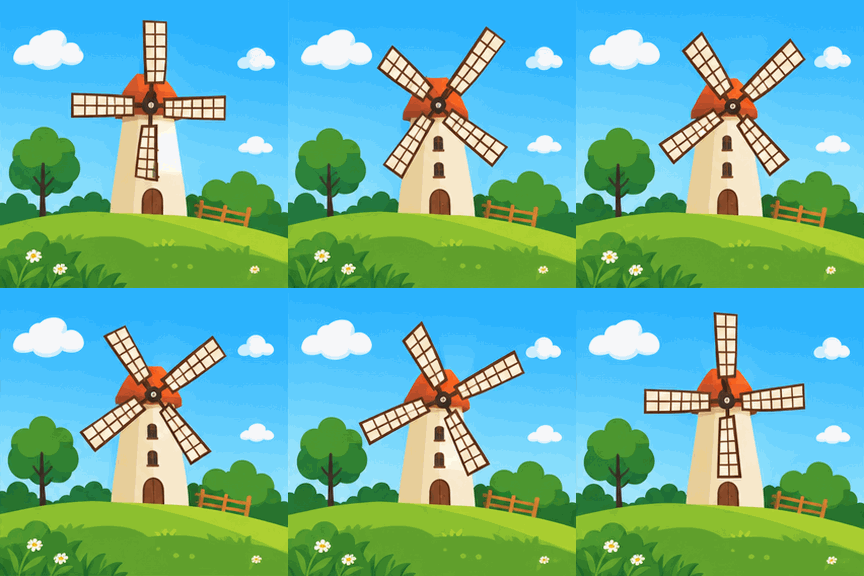
How to Make a GIF with GPT Image 2.6
GPT Image 2.6 returns a GIF from one generations call. Set the frame count and timing, then save the loop, or make it here in a click.
GPT Image 2.6 Prompt Guide: Rules for Still Images
Quote exact text, match density to complexity, and move one dial per run. A decision guide for still images, with a prompt you can run in the browser.
GPT Image 2.6 vs MAI-Image-2.6: Not the Same
OpenAI's 2.6 is two models; GIF and SVG on generations only. Microsoft's is edit-first with five references. Pick by task, then generate here with no API key.
Is GPT Image 2.6 Out? Release Date and Access
OpenAI shipped GPT Image 2.6 on November 4, 2026. Both model IDs, the API fields, and how to render one in a browser with no API key.
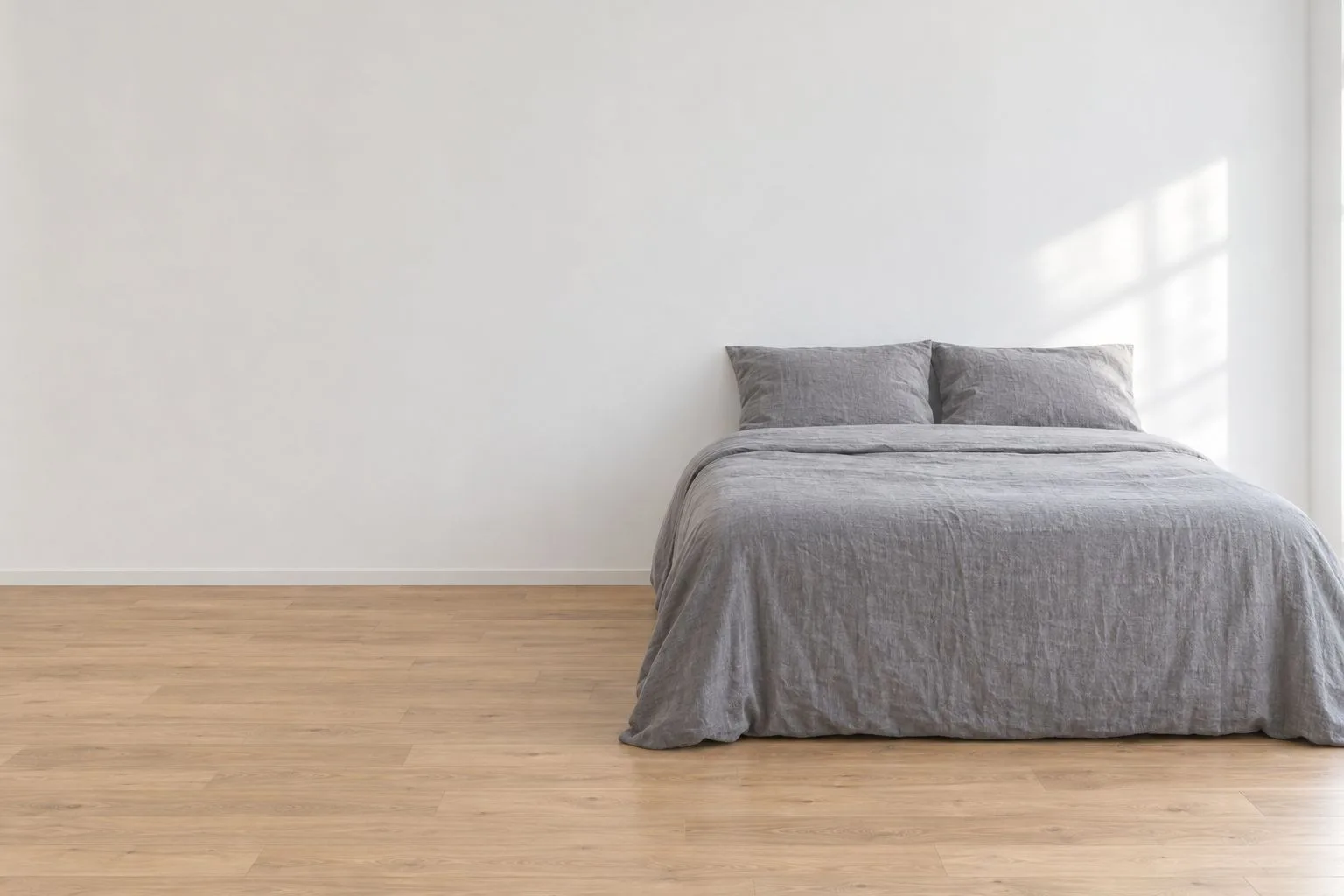
GPT Image 2.6 Photo Editing: What It Keeps
An edit redraws your photo, so decide what must survive. Use markup and a one-object test to check the frame before you switch models.

GPT Image 2.6 Transparent Backgrounds: PNG and WebP Alpha
Set background to transparent, keep PNG or WebP output, and spot a painted checkerboard before you ship. Flare and Sunburst both allow it.
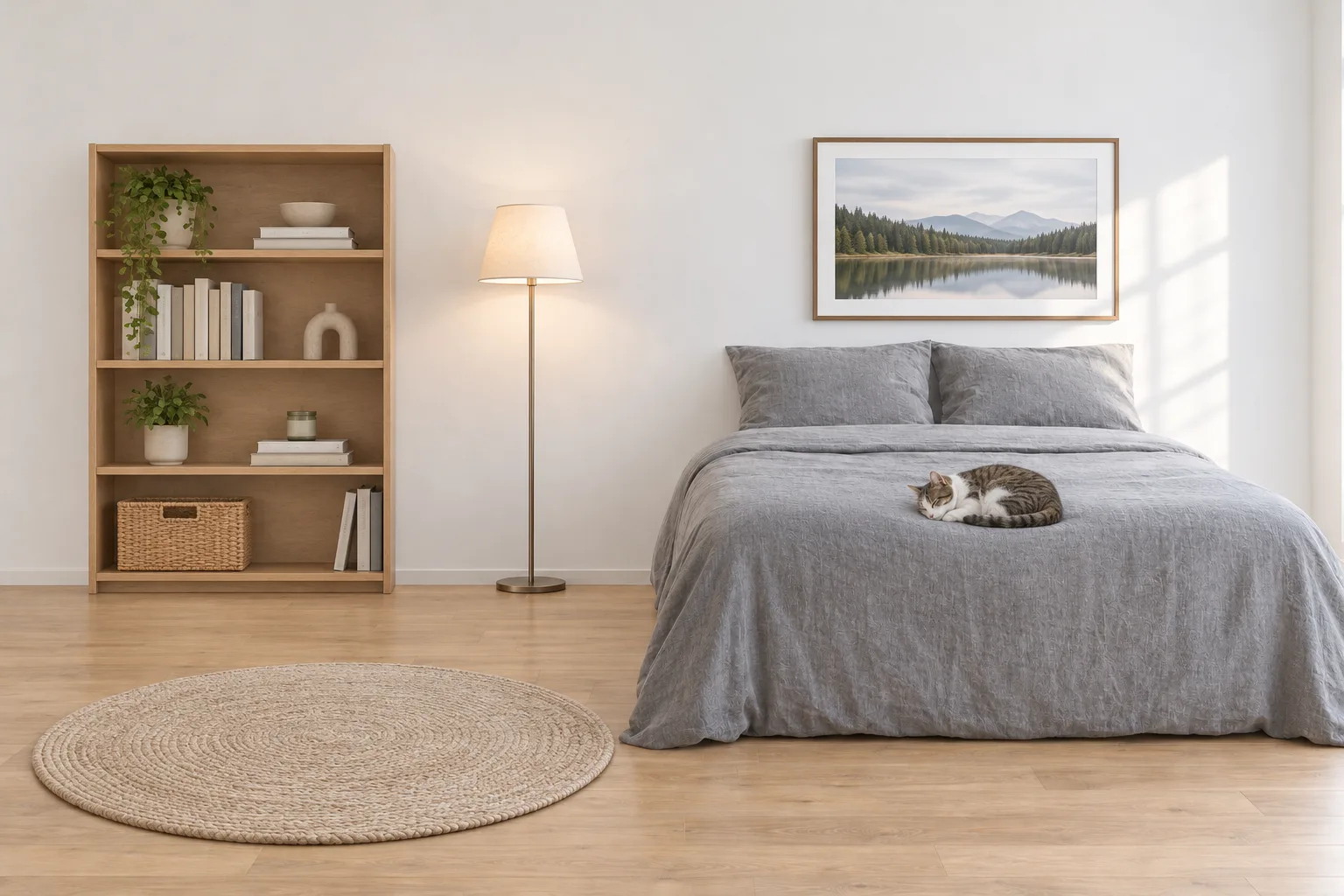
GPT Image 2.6 vs 2.5: What Changed and Which to Use
On GPT Image 2.5 and making still images? GIF and SVG output are the one reason to move; the missing Batch rate is the reason to stay.