Product photos and ads
Place a product in a new scene, try different backgrounds and shape ad concepts before you book a shoot.


Write a prompt, pick Flare or Sunburst and get your image. No app, no API key.
This is an independent site, not affiliated with OpenAI.
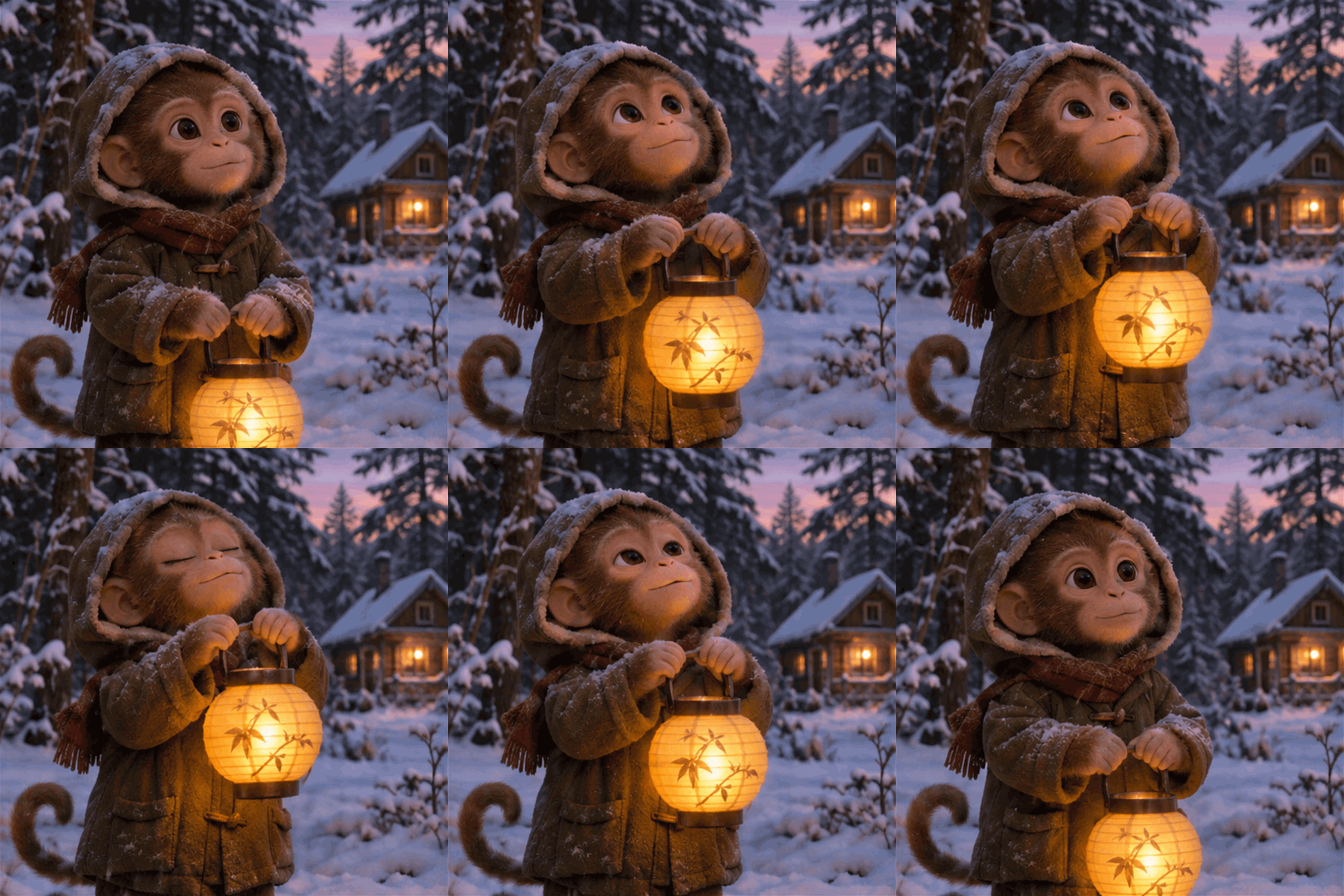
GPT Image 2.6 is OpenAI's image model, released on November 4, 2026. It arrives as ChatGPT Images 2.6 and, for developers, as two API models: Flare for fast iteration and Sunburst for detailed work. New in GPT Image 2.6 are animated GIFs, reusable reference images in ChatGPT, SVG output and a complexity control. API image output costs $30 per million tokens, the same as GPT Image 2.5. You can use it in ChatGPT, through the OpenAI API, or with the generator above, which needs no API key.
Updated November 4, 2026
Go from a blank prompt to a finished image in three steps, right in your browser.
Describe the image in plain words and put any text it should show in quotes. Add reference images when you need a specific product, face or style.
Choose Flare to try ideas quickly, or Sunburst when details must stay consistent across edits. Then set the aspect ratio and resolution.
You see the credit cost before you start, and a failed image is refunded automatically. Check any text in the result, then download it.
Use this AI image generator for the everyday visuals that used to need a designer or a photo shoot.
Place a product in a new scene, try different backgrounds and shape ad concepts before you book a shoot.
Create posters, flyers and banners with the words in the image. Quote the exact text, then proofread the result.
Make thumbnails, story covers and feed posts in the aspect ratio each platform expects.
Upload reference images to keep a product, character or visual style across a new set of pictures.
OpenAI published these samples and the GIF above in its image generation guide. None of them was made on this site.
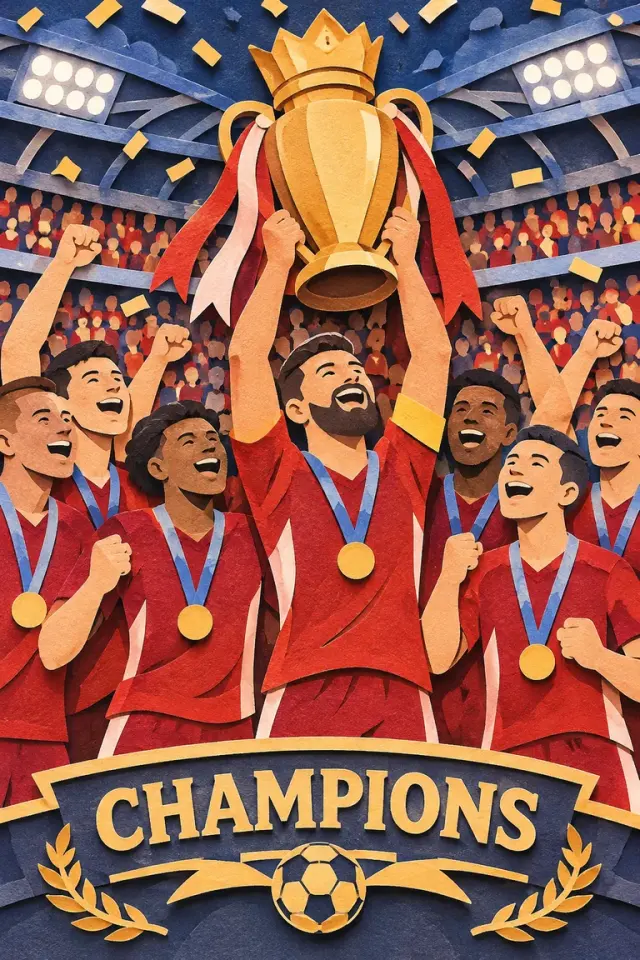
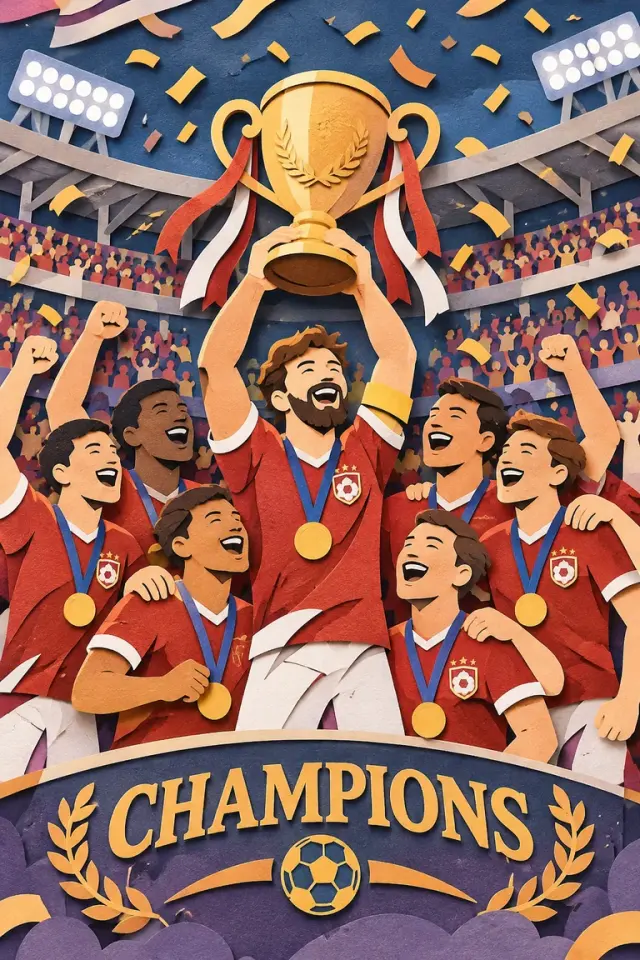
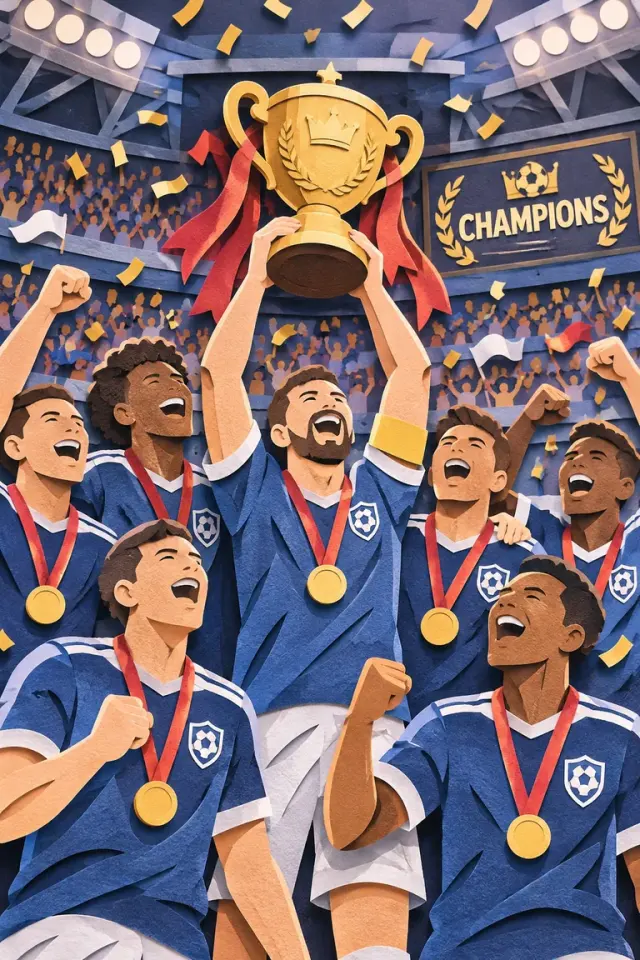
GPT Image 2.6 Sunburst made these paper-cut football scenes from one prompt at medium quality. Only the complexity setting changed.
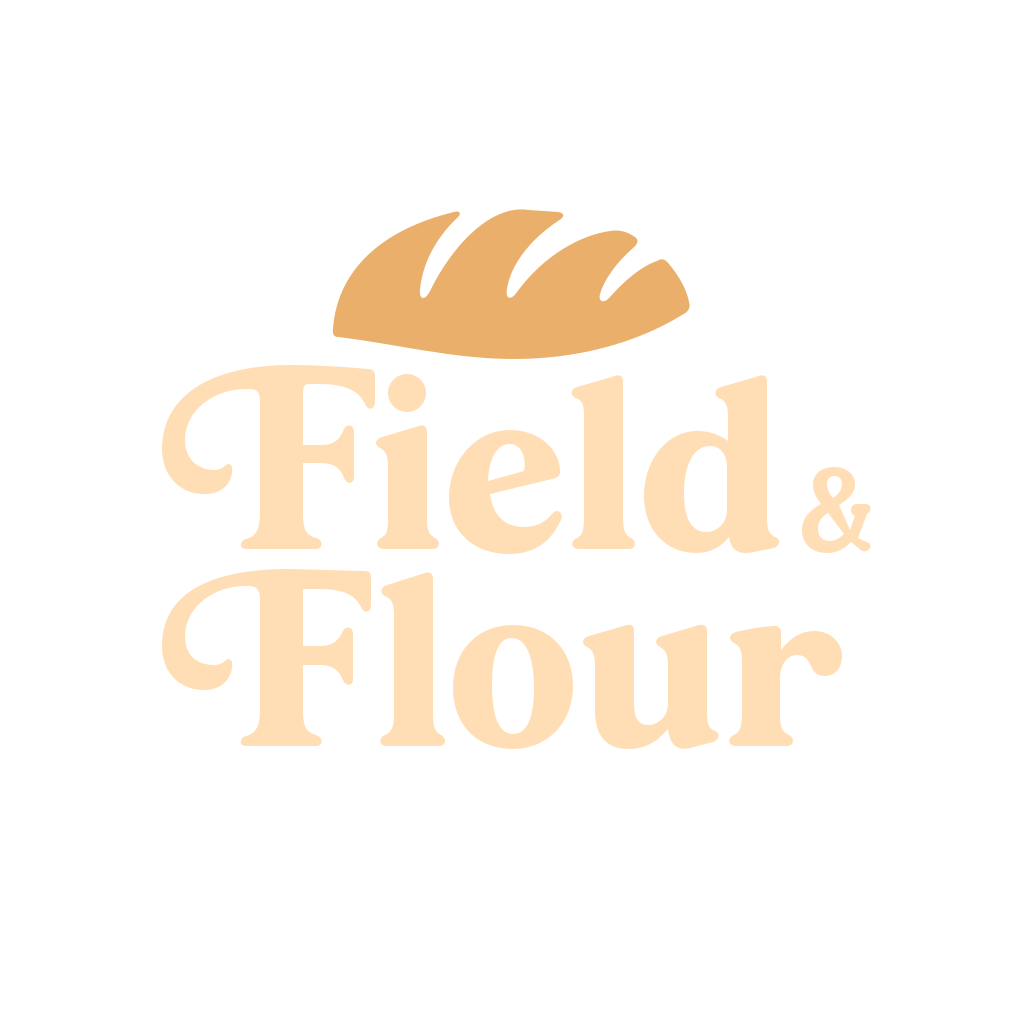
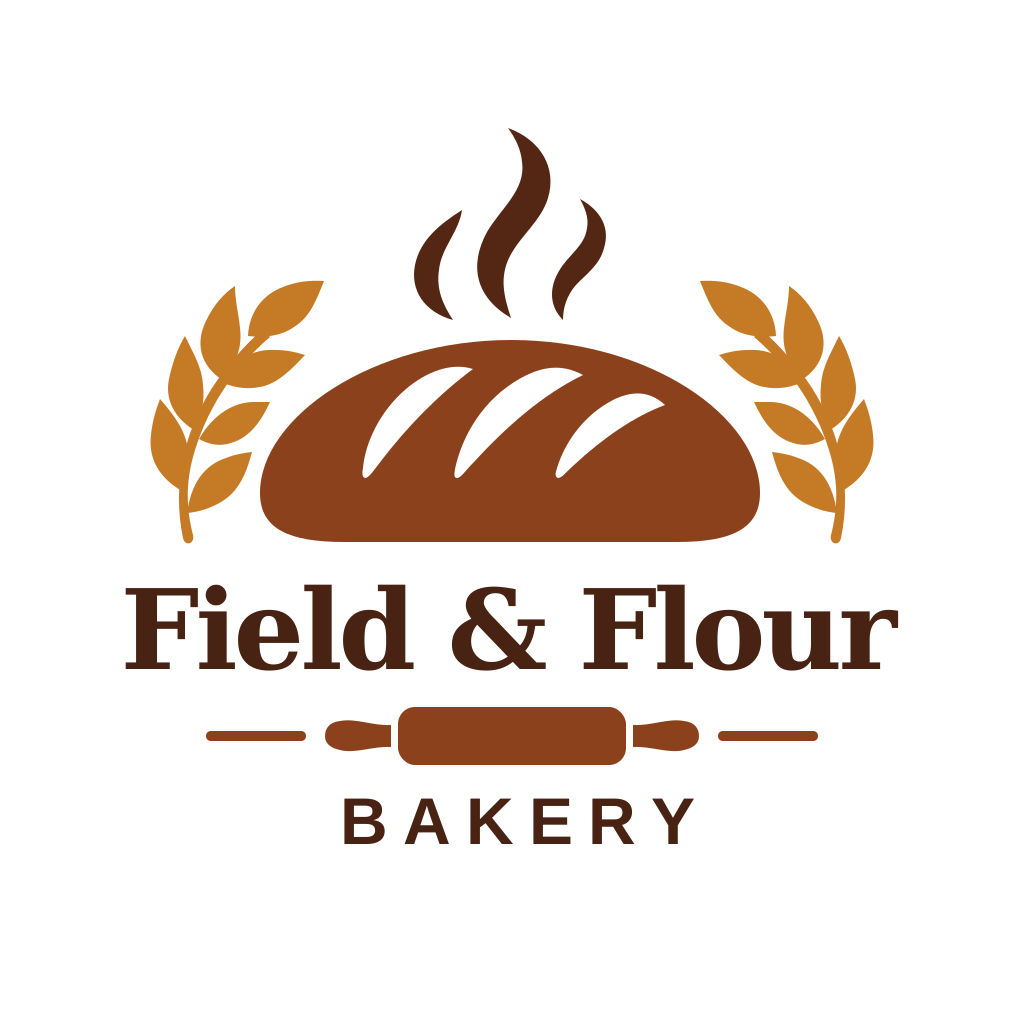
The same brief for a bakery logo, returned as vector files by each model.
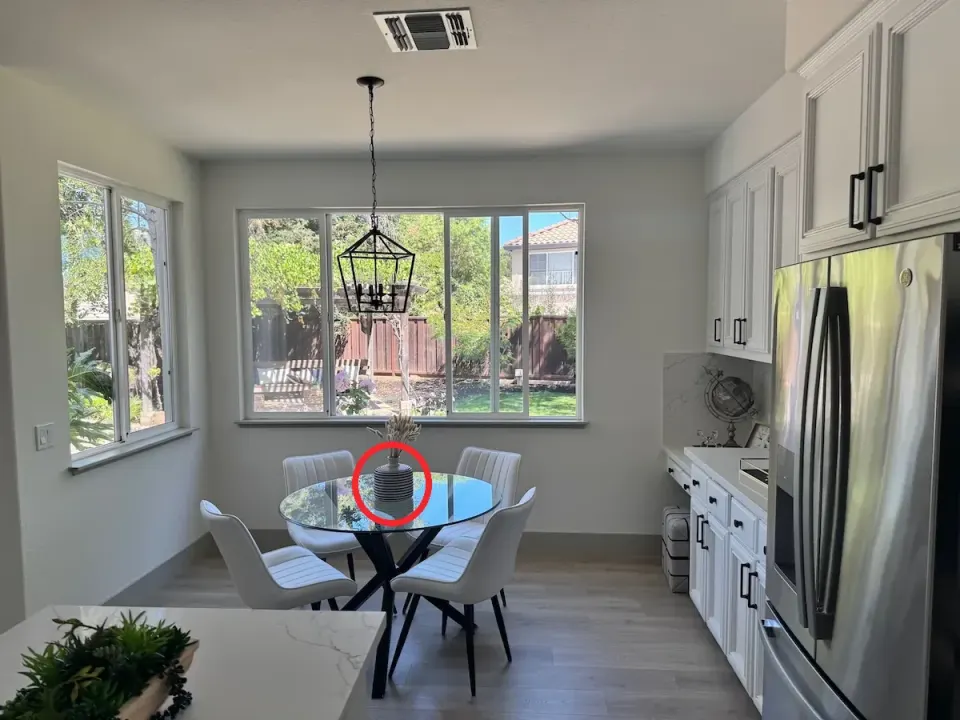
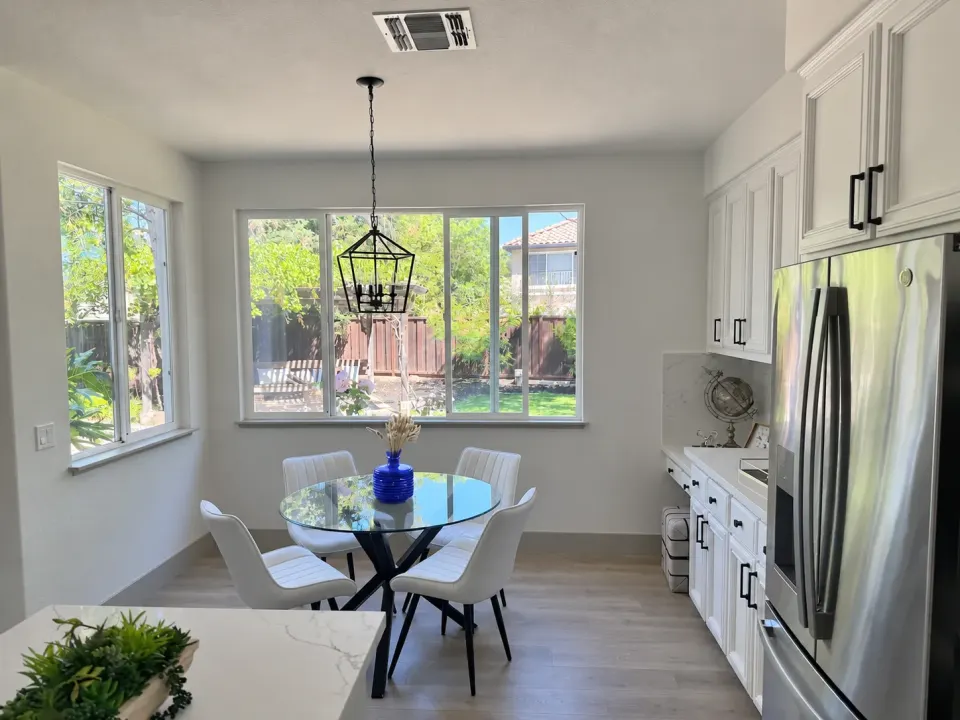
A red circle marks the vase to recolor, and Flare applies the edit.
Everything you need to use GPT Image 2.6 online, without setting up an OpenAI account for the API.
These six capabilities matter most, whether you use ChatGPT Images 2.6 or call the API. Markup edits also work on GPT Image 2.5.
Turn a prompt or image into a GIF in ChatGPT, then change its speed or edit single frames. The API accepts 2 to 64 frames and defaults to 9 frames at 200 ms each.
ChatGPT can keep images of you, your pets or your characters ready for new creations, so you don't upload them again.
Draw on a transparent PNG layer over your first input image to show exactly what should change. GPT Image 2.5 supports this too, and markup can't be combined with a mask.
Request a vector file from the generations endpoint with the svg output format. It suits logos, icons and simple illustrations you plan to edit later.
Complexity sets how much the model plans: low, medium or high, with high as the default. It's separate from quality, has no extra fee, and higher settings can add latency and unwanted changes.
OpenAI says the new API models generate 50% faster, and that Flare can finish in as little as six seconds at low quality. Real timing still depends on your prompt, size and quality.
Both GPT Image 2.6 models cost the same, so choose on speed against precision. Explore ideas with Flare, then refine the winning image with Sunburst.
| Compare | Flare | Sunburst |
|---|---|---|
| Best for | Interactive work, drafts | Detailed compositions, edits |
| API model ID | gpt-image-2.6-flare | gpt-image-2.6-sunburst |
| OpenAI's emphasis | Speed, as little as 6s at low quality | Consistency across edits at medium or high |
| Image output, per 1M tokens | $30 | $30 |
| Endpoints | Image generations and edits | Image generations and edits |
Image output prices match, so moving to GPT Image 2.6 costs nothing extra per output token. Stay on GPT Image 2.5 if you rely on Batch, and move if you need GIF, SVG or complexity control.
| Compare | GPT Image 2.6 | GPT Image 2.5 | GPT Image 2 |
|---|---|---|---|
| Released | November 4, 2026 | September 8, 2026 | April 21, 2026 |
| Image output, per 1M tokens | $30 | $30 | $30 |
| Batch image output, per 1M | Not supported | $15 | $15 |
| Quality settings | low to max | low to max | low to high |
| Complexity control | Yes | Not listed | Not listed |
| GIF and SVG output | Yes | Not listed | Not listed |
| Markup-guided edits | Yes | Yes | Not listed |
OpenAI bills by token and publishes no flat per-image price for GPT Image 2.6, so cost per image changes with size and quality. Prompts and reference images are billed too. A ChatGPT plan doesn't include API usage.
| Token type | Per 1M tokens |
|---|---|
| Text input | $5 |
| Cached text input | $1.25 |
| Image input | $8 |
| Cached image input | $2 |
| Image output | $30 |
These are the gaps to test before you build on GPT Image 2.6.
Write a prompt, choose Flare or Sunburst, and generate in your browser. New accounts get 20 free credits.